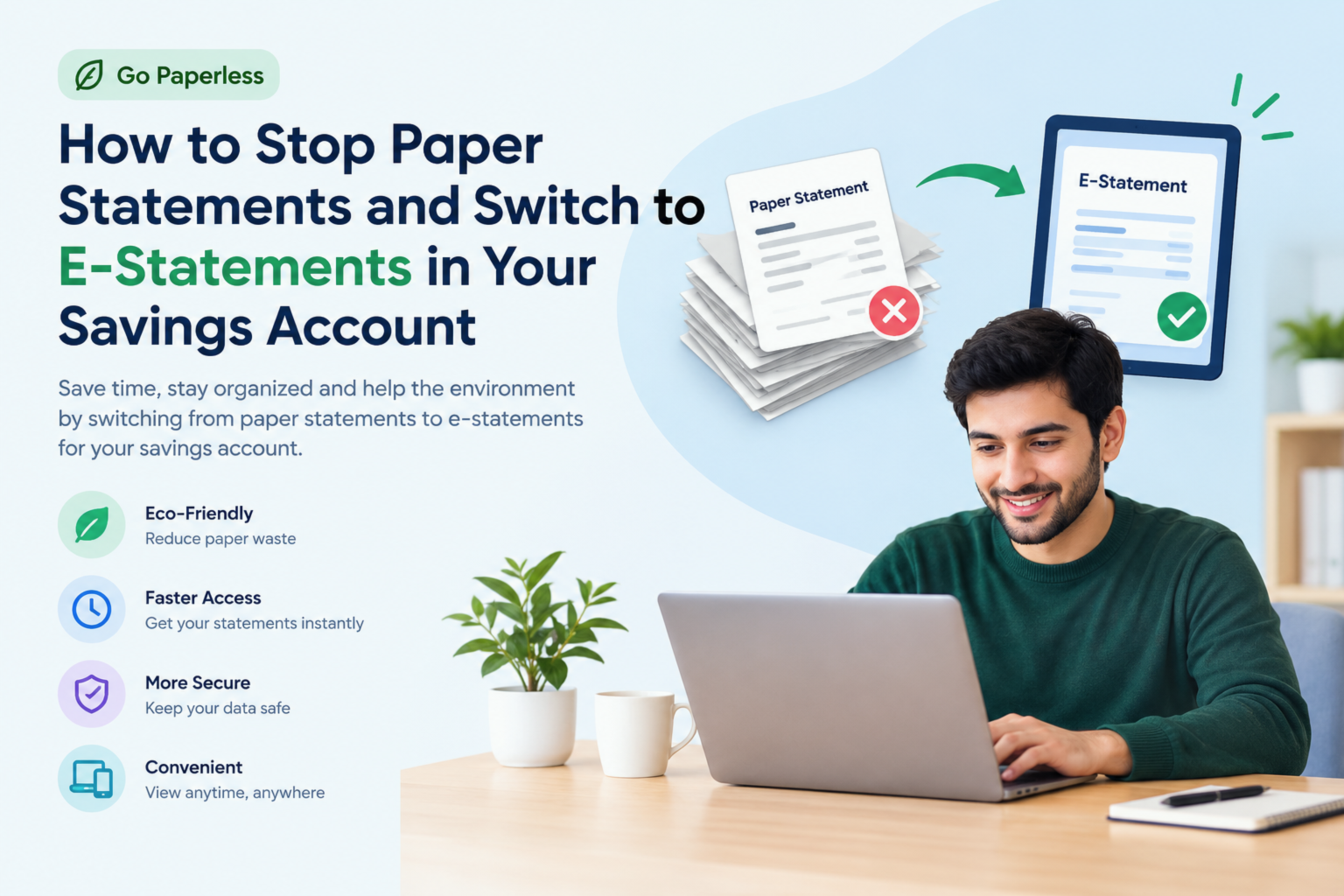
Do you still get a paper bank statement showing up in your mailbox every month? If so, you're definitely not alone but honestly, it's one of those small habits that's surprisingly easy to change, and the payoff is genuinely worth it. I remember the days when I'd get my savings account statement in the mail, glance at it for about 30 seconds, and then toss it into a pile that somehow multiplied on its own. Sound familiar?
Switching to e-statements also called electronic statements or paperless bank statements is one of those quiet life upgrades that saves you time, cuts down on clutter, protects your personal financial information, and in some cases even earns you small perks from your bank. Whether you've been putting it off because you weren't sure how, or you simply hadn't gotten around to it yet, this guide walks you through the entire process in clear, simple steps.
By the end of this article, you'll know exactly how to stop paper statements, enable e-statements on your savings account, and manage your digital records like someone who actually has their finances organized.
Table of Contents
- Why Switching to E-Statements Is Worth It
- The Difference Between Paper Statements and E-Statements
- What You Need Before Making the Switch
- Step-by-Step Guide to Stopping Paper Statements
- How to Do It on Popular Banking Platforms
- What Happens to Your Old Paper Statements
- Tips for Managing E-Statements Safely
- Common Concerns and Why They're Usually Overblown
- Pros and Cons of Going Paperless
- Conclusion
- Frequently Asked Questions
Why Switching to E-Statements Is Worth It
Let's start with the "why" because if you don't feel genuinely motivated to make this change, you'll just keep putting it off. So here are the real, practical reasons this small switch actually matters.
It's faster and more convenient. Instead of waiting for your monthly statement to show up in the mail which can take days, arrive crumpled, or occasionally get lost e-statements are delivered directly to your email inbox or your online banking portal the moment they're generated. You can access them anytime, from anywhere, on any device.
It's more secure. This one's a big deal. Paper statements sitting in your mailbox are a gold mine for identity thieves. Mail theft is more common than most people realize. Your full name, account number, and transaction history all printed on a piece of paper sitting in a box outside your home. E-statements, on the other hand, are protected by your bank's encryption and your own login credentials.
It reduces clutter and paper waste. Think about how many bank statements land in your home per year. If you have multiple accounts, that's a thick stack of paper you need to store, shred, or just figure out what to do with. Going digital eliminates that physical pile entirely.
Some banks actually reward you. Quite a few financial institutions offer small incentives like waiving monthly maintenance fees or offering a slightly better interest rate when you opt into paperless statements. It's worth checking if your bank has any such offer before you switch.
It's better for the environment. Millions of paper statements are printed and mailed every single month. Making this switch, even as one person, is a small but meaningful step toward reducing unnecessary waste.
The Difference Between Paper Statements and E-Statements
Before diving into the how-to, it helps to understand what e-statements actually are. A paper statement is a printed summary of your savings account activity for a given period usually monthly mailed to your physical address. An e-statement is the exact same document, just in digital format, typically a PDF.
It contains everything your paper statement does: account balances, transaction history, interest earned, fees charged, and full account details. The only real difference is how it's delivered and where you access it. E-statements are either sent to your registered email address or stored inside your online banking portal's document center, where you can download and save them whenever you need.
What You Need Before Making the Switch
Switching from paper to e-statements for your savings account is genuinely straightforward, but there are a few things to have in place first.
- An active online banking account You'll need to be registered for online or mobile banking. If you're not signed up yet, visit your bank's website or a branch to get that sorted first.
- A verified email address Your bank will send e-statements or arrival notifications to the email on file. Make sure it's current and one you actually check regularly.
- Your login credentials You'll need your username or customer ID and password to access your banking portal.
- A secure personal device Use a computer, smartphone, or tablet that belongs to you not a shared or public device when making changes to your banking preferences.
Once you have all of that in order, you're ready to go.
Step-by-Step Guide to Stopping Paper Statements and Enabling E-Statements
This is the core of what you came for, so let's get into it. The general process is very similar across most banks, even if specific menu names differ slightly.
Step 1: Log In to Your Online Banking Account
Open your bank's website or mobile app and sign in using your credentials. If you've forgotten your password, use the "Forgot Password" option to reset it before continuing.
Step 2: Navigate to Account Settings or Profile Settings
Once logged in, look for a settings icon, your account name, or a menu labeled "Profile," "Account Settings," or "Preferences." On desktop, this is usually in the top-right corner. On mobile, it's often tucked inside the hamburger menu.
Step 3: Find the Statement Preferences Section
Inside your settings, look for options related to statements, documents, or paperless banking. Common labels you might see include:
- "Statement Preferences"
- "Paperless Settings"
- "Document Delivery"
- "Communication Preferences"
- "e-Statements Setup"
Click whichever option appears for your account type.
Step 4: Select the Paperless or E-Statement Option
You'll typically see a toggle, a checkbox, or a button letting you choose between paper and electronic delivery. Select the e-statement or paperless banking option. If you have multiple accounts savings, checking, fixed deposit you may need to update this setting for each account separately.
Step 5: Confirm Your Email Address
The system will usually ask you to verify the email address where your statements should be delivered. Double-check that it's correct before confirming.
Step 6: Accept the Terms and Save Your Changes
Many banks ask you to agree to their e-statement terms and conditions before finalizing. Read through them quickly, accept, and save your preferences. Some banks also send a one-time verification email or OTP to confirm the change complete that step if prompted. And that's genuinely it. You're done.
How to Do It on Popular Banking Platforms
Different banks have slightly different interfaces, so here's a quick reference for a few common ones.
Chase Bank - Log in → "Profile & Settings" → "Paperless Settings" → Toggle on for each account → Confirm email and save.
Bank of America - Log in → "Profile & Settings" → "Paperless Settings" under Accounts → Enable for your savings account → Accept and save.
Wells Fargo - Log in → Click your name or settings icon → "Statements & Documents" → Choose "Online Only" for delivery → Confirm.
Citibank - Log in → "Accounts" → "Manage" → "Paperless Statements" → Enable and confirm.
If you bank with a regional or local institution, the process will be nearly identical. Look for settings, preferences, or profile options in your portal. Most banks also offer live chat support that can walk you through it in minutes.
What Happens to Your Old Paper Statements
A lot of people ask this. "If I switch to e-statements, what happens to my old records?"
Nothing bad. Your historical statements are stored in your online banking portal, typically going back anywhere from 12 months to 7 years, depending on your bank. Once you switch, you can download PDF copies of all previous statements directly from your document center. It's smart to download and save any older statements you might need for taxes or official records just to have a personal backup that doesn't depend on your bank's retention policy.
Tips for Managing E-Statements Safely
Going paperless comes with the responsibility of keeping your digital records organized and secure. Here are habits worth building from the start.
- Create a dedicated folder for bank statements in your email and on your device. Organize them clearly by year and month.
- Back up your files to a secure cloud service like Google Drive or an external hard drive. Don't rely on your email inbox alone.
- Secure your email account with a strong password and two-factor authentication since that's where your statements arrive.
- Review statements monthly. E-statements are so easy to access that there's really no excuse not to check them. It's one of the best ways to spot unauthorized activity early.
- Never click suspicious links claiming to be from your bank. Always navigate to your bank's website by typing the URL directly.
Common Concerns and Why They're Usually Overblown
Some people hesitate to switch because of genuine worries. Here are the most common ones, addressed honestly.
"What if I miss a statement?" Most banks send an email notification the moment your e-statement is ready. You can also log in anytime to check.
"I sometimes need a physical copy." You can download and print your e-statement whenever you need one. Most banks also let you request a paper copy on demand.
"I'm not very tech-savvy." If you can send an email or use a smartphone, you can manage e-statements. The process is simple, and customer support is available if you get stuck.
"Is it actually secure?" Yes arguably more secure than paper statements sitting in your mailbox. Banks use strong encryption and multi-factor authentication. Your digital statements are typically safer than their paper equivalents.
Pros and Cons of Going Paperless
Pros:
- Instant delivery no waiting on the postal system
- Accessible anywhere, anytime, on any device
- More secure than physical mail delivery
- Reduces paper clutter at home significantly
- Environmentally responsible choice
- Some banks waive fees or offer rewards for paperless enrollment
- Easy to search and retrieve older statements
Cons:
- Requires internet access to view statements
- Risk of overlooking a statement notification in a busy inbox
- Your email account security becomes more important
- May feel less intuitive for people less comfortable with digital tools
For the vast majority of people, the advantages clearly outweigh the downsides especially once you have a simple system in place for organizing your files.
Conclusion
Switching from paper statements to e-statements in your savings account is one of those small financial habits that genuinely pays off more convenience, better security, less physical clutter, and sometimes even a tangible benefit from your bank. The process itself takes under five minutes on almost any banking platform. You log in, find your account settings, navigate to statement preferences, toggle to paperless, and confirm. That's really all there is to it.
If you've been meaning to do this for a while, today is the perfect day to get it done. Log into your online banking account right now, follow the steps above, and make the switch. Your future self will appreciate not dealing with that monthly paper pile or worrying about sensitive financial information sitting in an unattended mailbox.
Key Takeaways:
- E-statements are identical to paper statements, just delivered digitally
- The switch takes less than five minutes through your online banking portal
- Historical statements remain accessible after you go paperless
- Organize and back up digital statements regularly for safety
- E-statements are more secure than paper delivery in most situations
Frequently Asked Questions
1. Can I switch back to paper
statements after going paperless?
Yes, absolutely. Most banks allow you to revert to paper delivery at any time
through the same settings menu where you enabled e-statements. Some banks may
charge a small fee for paper statements after a certain point, so check your
bank's specific policy first.
2. Will I lose my old statements
when I switch?
No. Historical statements are stored in your online banking portal for several
years often up to seven. You can download them as PDFs at any time. It's wise
to save copies of important statements right after making the switch, just to
be safe.
3. How will I know when my
e-statement is ready?
Your bank will typically send an email notification to your registered address
when a new statement is available. You can also log in directly and check the
statements or documents section anytime.
4. Is there a fee for e-statements?
No e-statements are free. In fact, many banks now charge a fee for paper
delivery, so switching to electronic statements can actually save you money
each month.
5. What format are e-statements
delivered in?
Most banks provide e-statements as PDF files, viewable on any device with a
basic PDF reader. They look exactly like a printed paper statement, just on
your screen.
6. Are e-statements accepted as
official proof of address or for loan applications?
Yes, in the vast majority of cases. Bank-issued e-statements carry official
logos, account details, and authentication markers that make them just as valid
as paper statements for most official purposes, including rental applications,
visa documentation, and loan processing.
7. What should I do if I stop
receiving e-statement notifications?
Start by checking your spam or junk mail folder bank emails sometimes get
filtered there. If you still can't find it, log into your online banking
account directly to check whether the statement is available in your document
center. Also confirm that your registered email address is current and correct
in your bank's system.