Managing money as a solo founder is one of those tasks that's easy to push aside until it becomes a real problem. Between client work, marketing, and everything else on your plate, tracking every business expense can feel like one responsibility too many. But the founders who stay on top of their finances from the beginning almost always have a clearer, calmer path forward than those who catch up later in a panic.
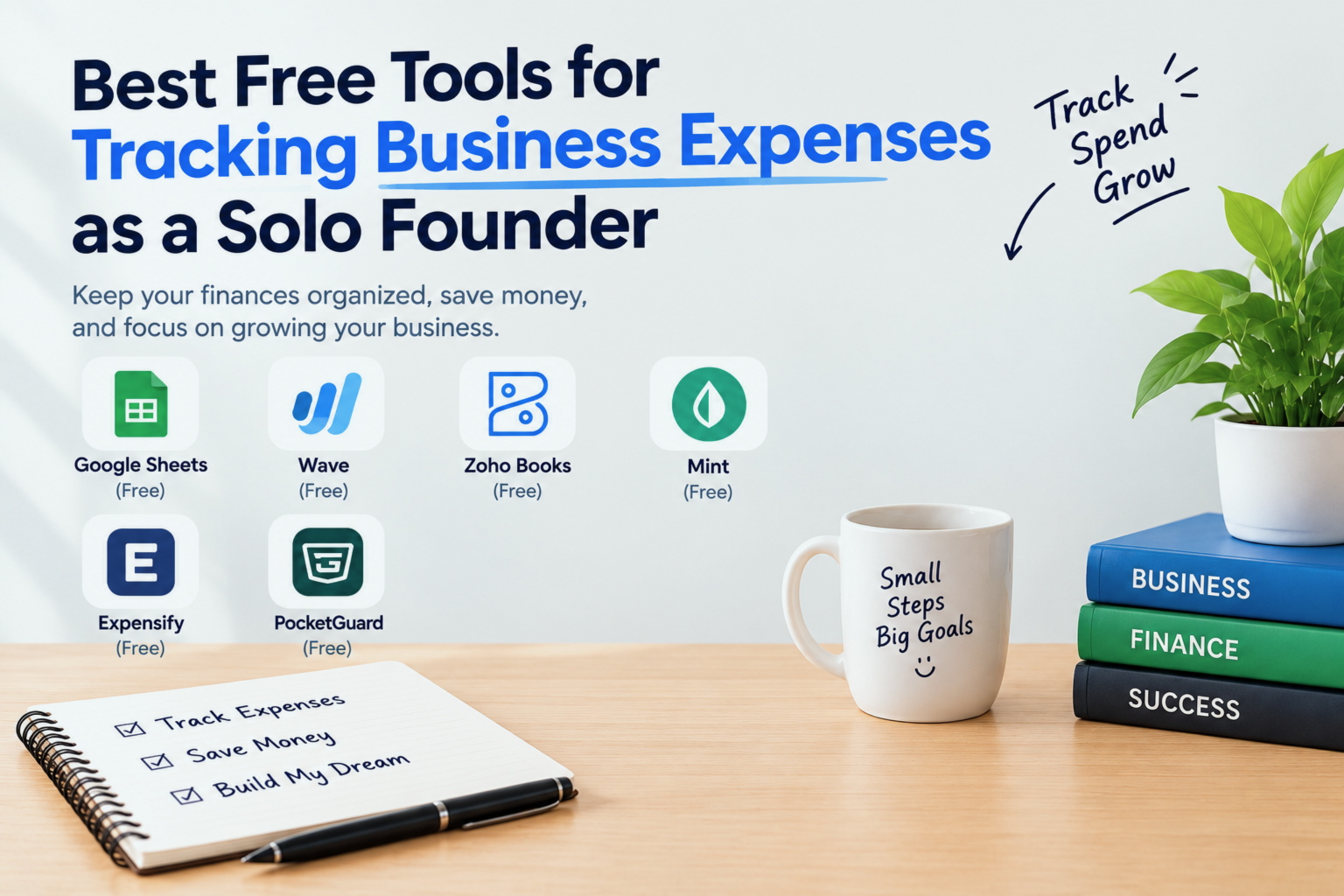
The good news is that you don't need a paid accounting subscription to keep your books in reasonable shape. A handful of genuinely useful free tools exist that can help solo founders track spending, manage receipts, and prepare for tax season without breaking the budget.
This guide walks through the most practical options available in 2026 what each tool does well, where it falls short, and how to figure out which one fits your specific situation.
Note: This article is for informational purposes only. The tools mentioned below are based on research and user feedback. I am not affiliated with any of these companies, and no tool has paid to be featured in this guide.
Table of Contents
- Why Expense Tracking Matters for Solo Founders
- What to Look for in a Free Expense Tracking Tool
- Best Free Tools for Tracking Business Expenses
- Quick Comparison: Choosing the Right Fit
- Practical Tips to Stay Consistent
- When to Consider Upgrading to a Paid Tool
- Conclusion
- FAQs
Why Expense Tracking Matters for Solo Founders
There's a familiar pattern that plays out for many solo founders. The first few months are busy, receipts pile up, bank statements go unreviewed, and then tax season arrives with full force. Suddenly what should have been a manageable process turns into hours of digging through old emails and trying to remember what that March payment was actually for.
Building a consistent expense tracking habit early prevents exactly that kind of stress.
When your spending records are organized and current, a few important things fall into place:
- You understand your actual profit margins. Revenue alone doesn't tell the full story. Knowing what goes out is just as important as knowing what comes in.
- Tax preparation becomes far less painful. Organized records help you claim legitimate deductions without scrambling at the last minute.
- You make better financial decisions. Seeing your expenses clearly prompts the right questions like whether a particular tool or service is genuinely earning its keep each month.
- You have documentation when it matters. Whether it's an audit, a dispute, or a conversation with a future investor, clean financial records carry real weight.
As a solo founder, no one else is handling the bookkeeping behind the scenes. Getting started with even a simple system now saves a significant amount of time and trouble later.
What to Look for in a Free Expense Tracking Tool
Before comparing specific tools, it helps to know which features actually matter for a one-person business. Not every free tool is genuinely useful some are stripped down to the point of being more frustrating than helpful.
Here are the qualities worth prioritizing:
Ease of use. A tool that's confusing or tedious to navigate won't get used consistently. Straightforward design matters more than a long feature list.
Receipt capture. The ability to photograph receipts and have the data logged automatically is a real time-saver, especially if you deal with physical expenses regularly.
Bank and card syncing. Pulling in transactions automatically reduces the manual entry that most people find tedious and easy to skip.
Categorization and reporting. Viewing spending by category, date range, or project makes your data much more useful than a simple list of transactions.
Export functionality. Whether you work with an accountant or handle taxes yourself, being able to export records as a CSV or PDF is a practical requirement.
With those criteria in mind, here's a look at the tools worth considering.
Best Free Tools for Tracking Business Expenses
1. Wave - A Comprehensive Free Accounting Option
Wave is one of the more complete free accounting tools available, and it's worth understanding what the free plan actually includes before assuming it's limited.
On the free tier, Wave offers expense and income tracking, bank and credit card syncing, professional invoicing, financial reports including profit and loss statements, and receipt scanning through its mobile app. The company earns revenue through optional add-on services payment processing and payroll rather than by restricting the core accounting features.
For solo founders who want a full accounting solution rather than just a basic expense log, Wave covers more ground than most free alternatives. That said, it's a fairly comprehensive platform, which means there's a learning curve involved. New users may need a little time to get comfortable with the layout.
Customer support on the free plan is limited to documentation and community forums, so those who prefer hands-on assistance should factor that in.
Best for: Solo founders who want complete accounting features including
invoicing without paying a monthly fee.
Worth knowing: Support is self-serve only on the free plan. The platform
has more features than some users will need.
2. Zoho Expense (Free Plan) - A Reliable Option for Receipt Management
Zoho Expense is a dedicated expense tracking tool rather than a full accounting platform. Its free plan is a solid choice for solo founders who handle a regular volume of receipts travel costs, equipment purchases, supply orders, and similar expenses.
The free tier supports up to three users and includes receipt scanning with automatic data extraction, expense categorization, basic reporting, and integration with Zoho Books if you want to expand later. The autoscan feature pulls merchant names, amounts, and dates from receipt photos with reasonable accuracy. It doesn't catch everything perfectly every time, but it reduces manual entry noticeably.
One thing to be aware of is that more advanced reporting is gated behind paid tiers, so the free plan is better suited for straightforward tracking than for detailed financial analysis.
Best for: Solo founders who frequently handle physical receipts and
want a dedicated expense tool rather than full accounting software.
Worth knowing: Detailed reporting requires a paid upgrade.
3. Expensify (Free Individual Plan) - Useful for Occasional Business Travel
Expensify is a well-established name in the expense management space. Its SmartScan feature reads receipts, extracts the relevant data, and suggests categories automatically which makes logging expenses after client meetings or work trips noticeably less tedious.
The free individual plan includes 25 SmartScans per month, basic expense reports, mileage tracking, and credit card import. For most solo founders, 25 scans per month is sufficient. Those who travel frequently or deal with high receipt volume may find the limit constraining during particularly busy periods.
Expensify works especially well as a lightweight tool for founders who want simple receipt processing and expense summaries without managing a full accounting system.
Best for: Solo founders who occasionally travel for business and want
straightforward receipt scanning and report generation.
Worth knowing: The 25 monthly SmartScan limit applies on the free
individual plan.
4. Google Sheets - A Straightforward Manual Option
Google Sheets isn't a flashy solution, but it deserves serious consideration for solo founders who are just getting started or whose finances are relatively straightforward.
It's free, accessible from any device, and requires no technical setup beyond choosing a template. Dozens of well-designed free expense tracking templates are available for Sheets, many of them pre-built with expense categories, automatic totals, monthly summaries, and basic charts. Sharing the file with an accountant at tax time is easy.
The clear limitation is that everything requires manual entry. There's no bank syncing, no receipt scanning, and no automatic categorization. For founders willing to log expenses on a consistent schedule even just once a week this limitation isn't necessarily a dealbreaker. For those who need automation to stay on track, it probably is.
Best for: Solo founders with simple, predictable expenses who prefer
full control over their data and don't mind manual entry.
Worth knowing: No automation of any kind. Consistency is entirely up to
you.
5. Notion (With Free Templates) - For Founders Already Using Notion
Notion has become a popular business hub for many solo founders housing client notes, project management, content planning, and task lists in one place. If that matches your workflow, it's worth knowing that Notion's free plan also supports functional expense tracking through its community template gallery.
A well-structured Notion expense tracker can include category labels, monthly budget comparisons, tax-deductible item flags, and a log of recurring subscriptions and vendor costs. The biggest advantage here is consolidation one fewer app to open when your financial records live alongside the rest of your business information.
Like Google Sheets, this approach is fully manual. It works well for organized, detail-oriented founders who value having everything centralized over having automation.
Best for: Solo founders already working inside Notion who want to
avoid introducing a separate financial app.
Worth knowing: No bank syncing, receipt scanning, or automation.
6. Bonsai (Free Plan) - Built with Solo Founders in Mind
Bonsai is a business management platform designed specifically for freelancers and solo business owners, rather than a general-purpose accounting tool. The free plan includes basic expense tracking, contract management, proposals, and invoicing all in one place.
The practical advantage of Bonsai is that it shows expenses alongside client revenue, which gives a more immediate sense of whether the business is profitable from month to month. For founders who want to manage their client relationships and finances in the same system, that kind of overview is genuinely useful.
The free tier is limited to foundational features. More detailed financial reporting and tax tracking require a paid subscription, so it may not be sufficient for founders who need comprehensive expense analysis.
Best for: Freelancers and solo founders who want a single platform to
manage both client work and basic financial tracking.
Worth knowing: Advanced reporting features and tax tools are not
available on the free plan.
7. Splitwise - A Supplementary Tool for Shared Costs
Splitwise is best known as an app for splitting personal expenses, but it has a practical application for solo founders who regularly share business costs with a collaborator, informal partner, or co-founder working without a formal structure.
It keeps a running, transparent log of who paid what and who owes what useful when two people are co-investing in tools, shared services, or event costs without a joint business account. It's not designed to serve as a primary accounting tool and shouldn't be treated as one. Used alongside another solution on this list, though, it handles shared cost tracking cleanly.
Best for: Solo founders who regularly split business expenses with
one other person.
Worth knowing: Not a replacement for expense tracking software. Works
best as a supplement.
Quick Comparison: Choosing the Right Fit
Here's a straightforward way to narrow down the options based on your situation:
- Need a complete, free accounting solution? → Wave
- Handling a high volume of receipts regularly? → Zoho Expense or Expensify
- Looking for something simple with tools you already know? → Google Sheets
- Already managing your business inside Notion? → Notion templates
- Want client management and expense tracking together? → Bonsai
- Sharing costs with a partner or collaborator? → Splitwise as a supplement
The right tool isn't necessarily the one with the most features it's the one you'll actually use week after week. When in doubt, lean toward simplicity.
Practical Tips to Stay Consistent
Picking a tool is only half the work. These habits tend to make a real difference in whether expense tracking actually sticks:
Review expenses on a set schedule. A brief Friday session even 15 minutes keeps records current and prevents a large backlog from building up.
Keep business and personal finances in separate accounts. A dedicated business bank account, even a basic free one, makes tracking much cleaner and removes a lot of guesswork.
Decide on your categories early and stick with them. Common categories for solo founders include software and subscriptions, marketing and advertising, equipment, professional development, travel, and professional services. Consistency in labeling makes your reports more useful over time.
Deal with receipts immediately. Forward digital receipts the same day or photograph physical ones before they disappear. Small delays tend to become permanent gaps.
Look for patterns in monthly reviews. After a few months of consistent tracking, review your spending for trends unused subscriptions, categories that are quietly growing, or costs that could reasonably be reduced.
When to Consider Upgrading to a Paid Tool
Free tools are well-suited to most solo founders in the early stages. A few signs suggest the time may have come to invest in something more capable:
- Your business has grown to include multiple income streams or revenue sources
- You're regularly working with contractors and need to track payments and reimbursements
- Tax preparation consistently takes longer than it should because your records aren't complete
- You need polished financial reports for investor meetings or formal business planning
- You're spending noticeable time on manual workarounds that paid software would handle automatically
If any of those apply, tools like QuickBooks Self-Employed, FreshBooks, or Xero are worth evaluating. That said, many solo founders find that free tools particularly Wave remain adequate well beyond the startup phase, so the upgrade decision is worth reassessing rather than assuming it's inevitable.
Conclusion
Tracking business expenses as a solo founder doesn't require a complicated setup or a paid subscription. The tools in this guide from comprehensive platforms like Wave to flexible options like Google Sheets or Notion offer real, practical value at no cost. Any of them is a meaningful step up from keeping no organized records at all.
The most important thing is simply to start. Choose one tool that fits your current habits, get it set up this week, and commit to using it on a regular schedule. The financial clarity you gain knowing where your money is going, what's working, and how your business is actually performing is one of the most useful advantages you can build as a solo founder.
If this guide was helpful, consider passing it along to another founder who might benefit. And if there's a free tool that's worked particularly well for you, sharing your experience in the comments is a great way to help others in a similar position.
Frequently Asked Questions
1. What is the best completely free
tool for tracking business expenses as a solo founder?
Wave is a strong option for founders who want a comprehensive solution at no
cost. It includes unlimited expense tracking, bank syncing, invoicing, and
financial reports on the free plan. For simpler needs, Google Sheets or a
Notion template may be more than sufficient.
2. Is Google Sheets a reliable way
to manage business expenses?
For solo founders with straightforward finances, Google Sheets can work well
for a long time. Free templates make setup easy. The main drawback is that
everything is manual there's no automation, bank connectivity, or receipt
scanning.
3. Do I need dedicated accounting
software, or is a spreadsheet enough?
A spreadsheet is often a reasonable starting point. As your business grows more
clients, multiple income streams, contractor payments dedicated software tends
to save time and reduce the chance of errors or missed deductions.
4. Are free expense tracking apps
safe to use for business financial data?
Established platforms like Wave, Expensify, and Zoho use encryption to protect
user data. It's still a good habit to review each tool's privacy policy before
connecting any bank accounts or sharing sensitive financial information.
5. How often should a solo founder
review business expenses?
A short weekly review around 15 minutes is a practical habit that keeps records
current without becoming a major time commitment. Monthly reviews are also
useful for identifying spending patterns and catching subscriptions or costs
that are no longer worth keeping.
6. What expense categories should
solo founders typically track?
Common categories include software and subscriptions, marketing and
advertising, equipment and supplies, professional development, travel and
transportation, professional services such as legal or accounting fees, and
home office expenses where applicable.
7. How do I know when it's time to
move from a free tool to a paid solution?
Key indicators include managing multiple income sources, working regularly with
contractors, spending excessive time preparing for taxes, needing detailed
reports for business planning, or finding that your current setup creates more
friction than it resolves.